

Connect
- Claude (OAuth)
- Claude Code
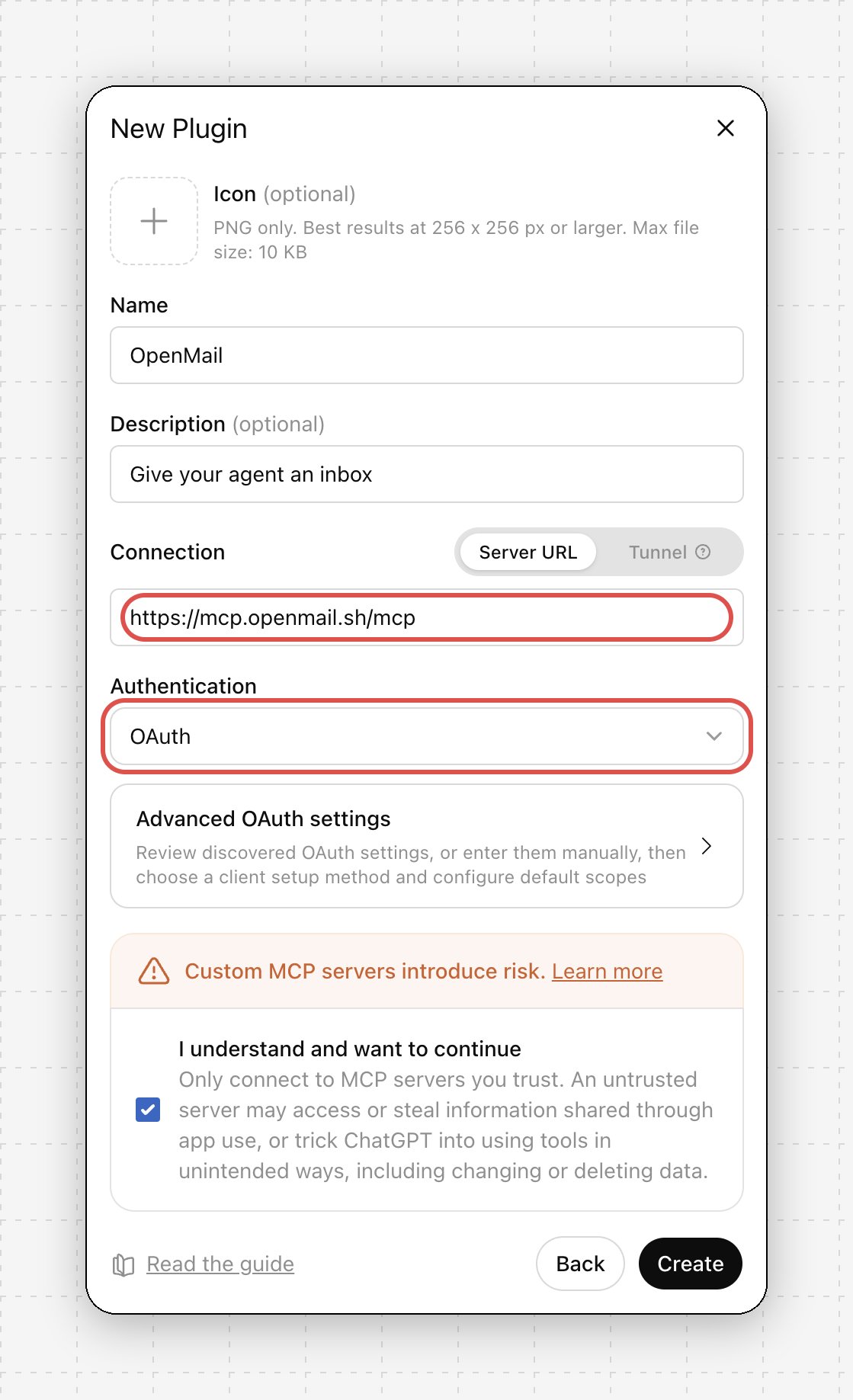
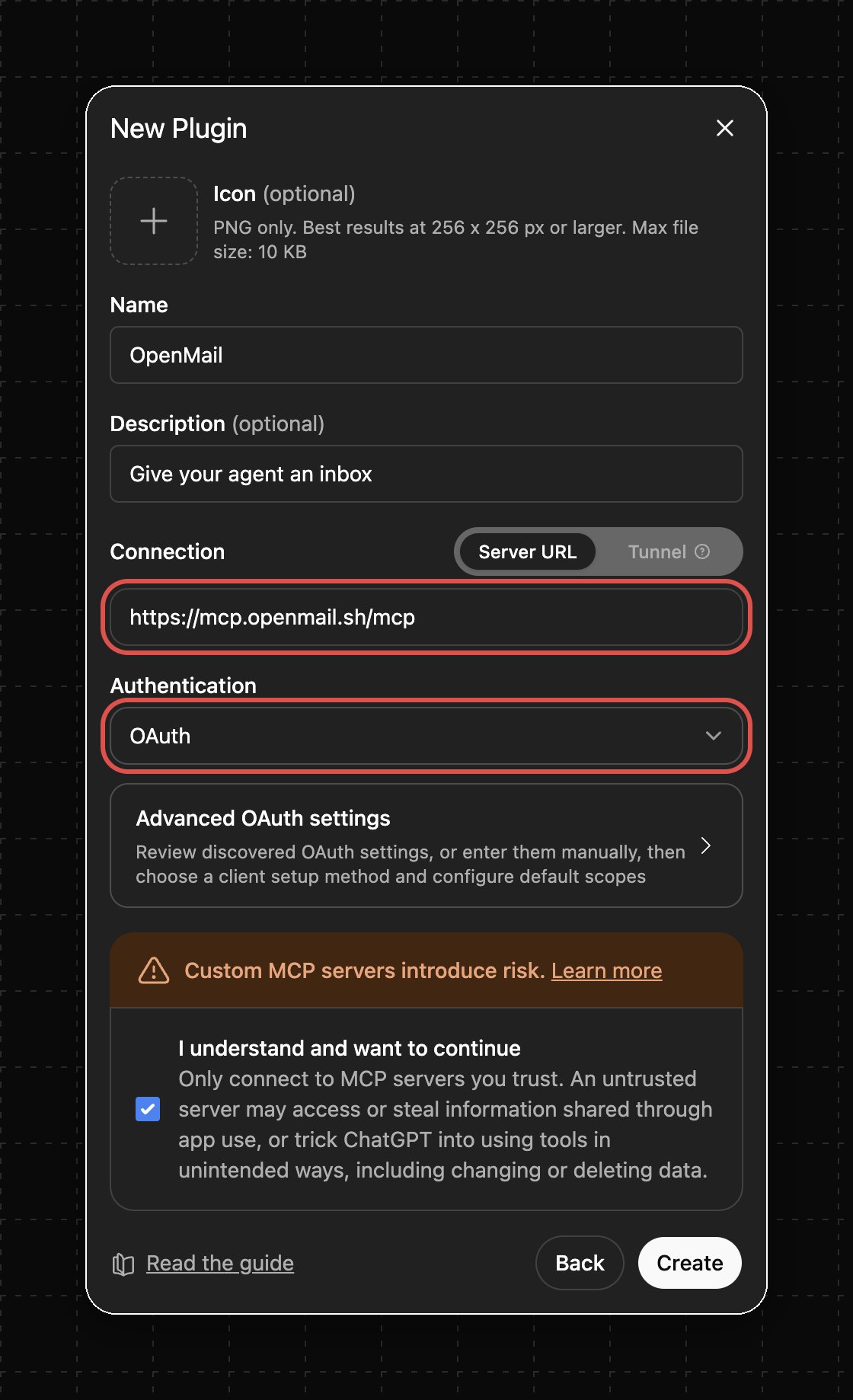
- ChatGPT (OAuth)
- Cursor
- VS Code / registry
- stdio-only clients
1
Open Connectors
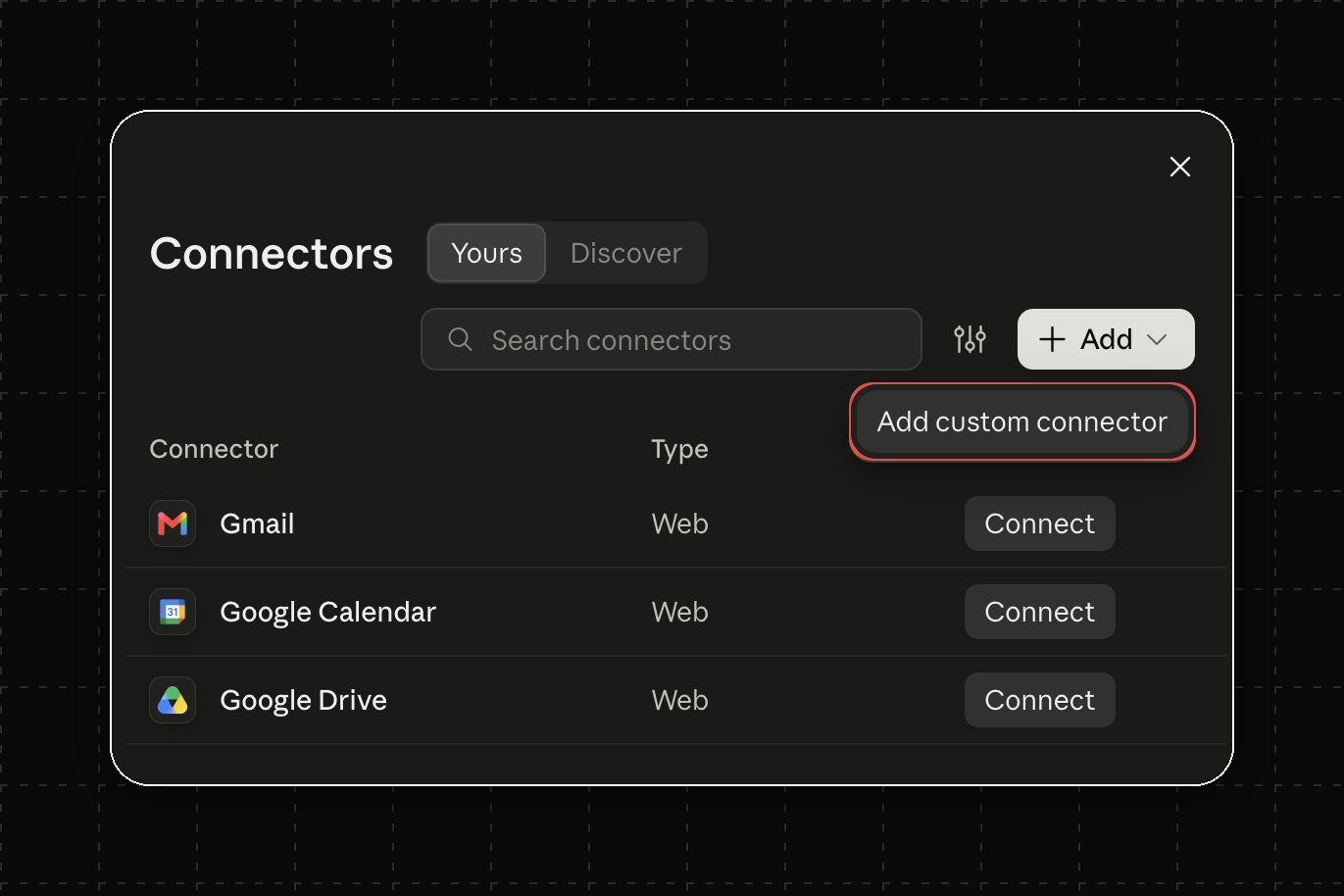
Go to Settings → Connectors, click Add, then Add custom connector.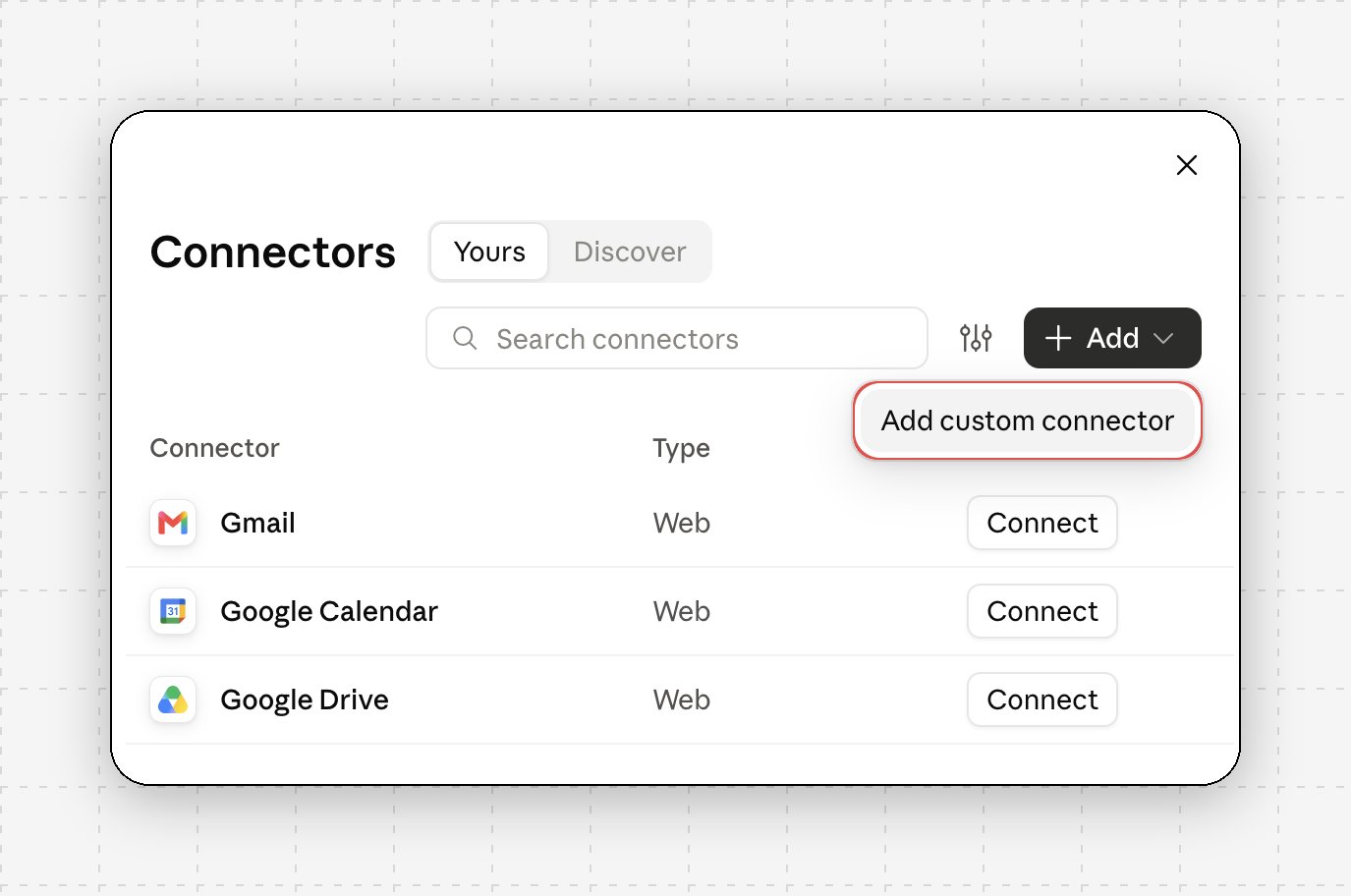
2
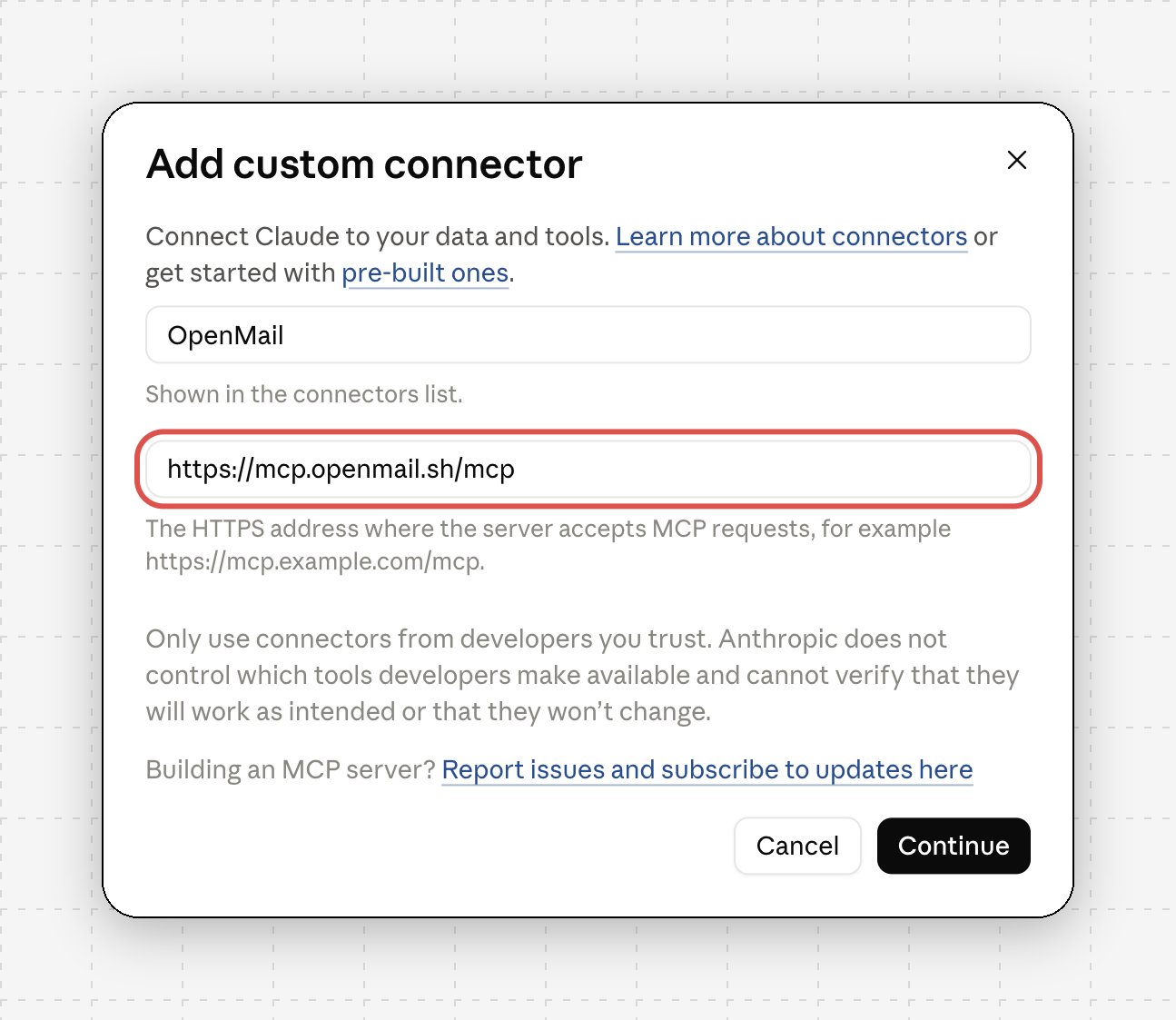
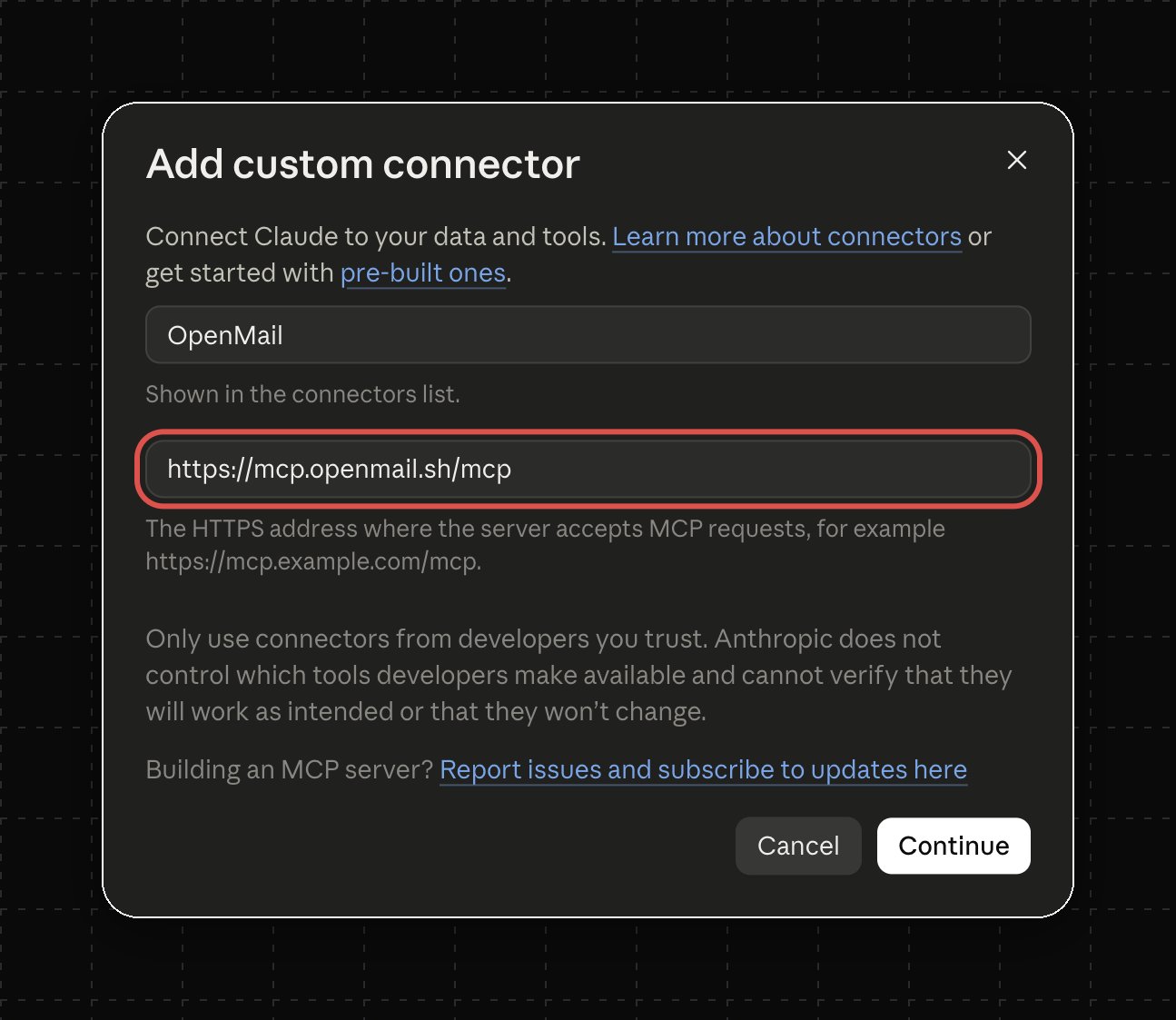
Name the server
Click Continue. Claude checks the URL and detects the sign-in settings.
3
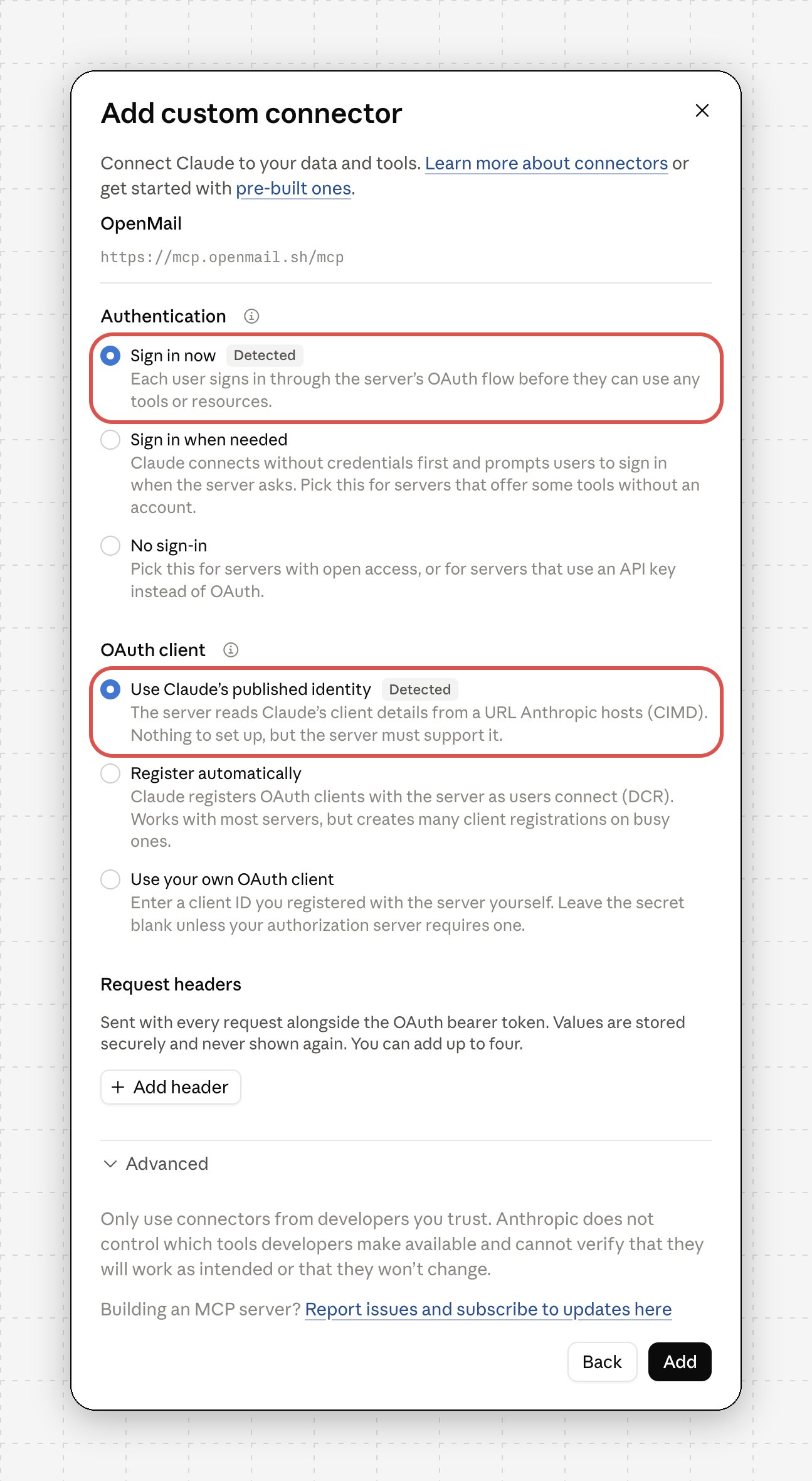
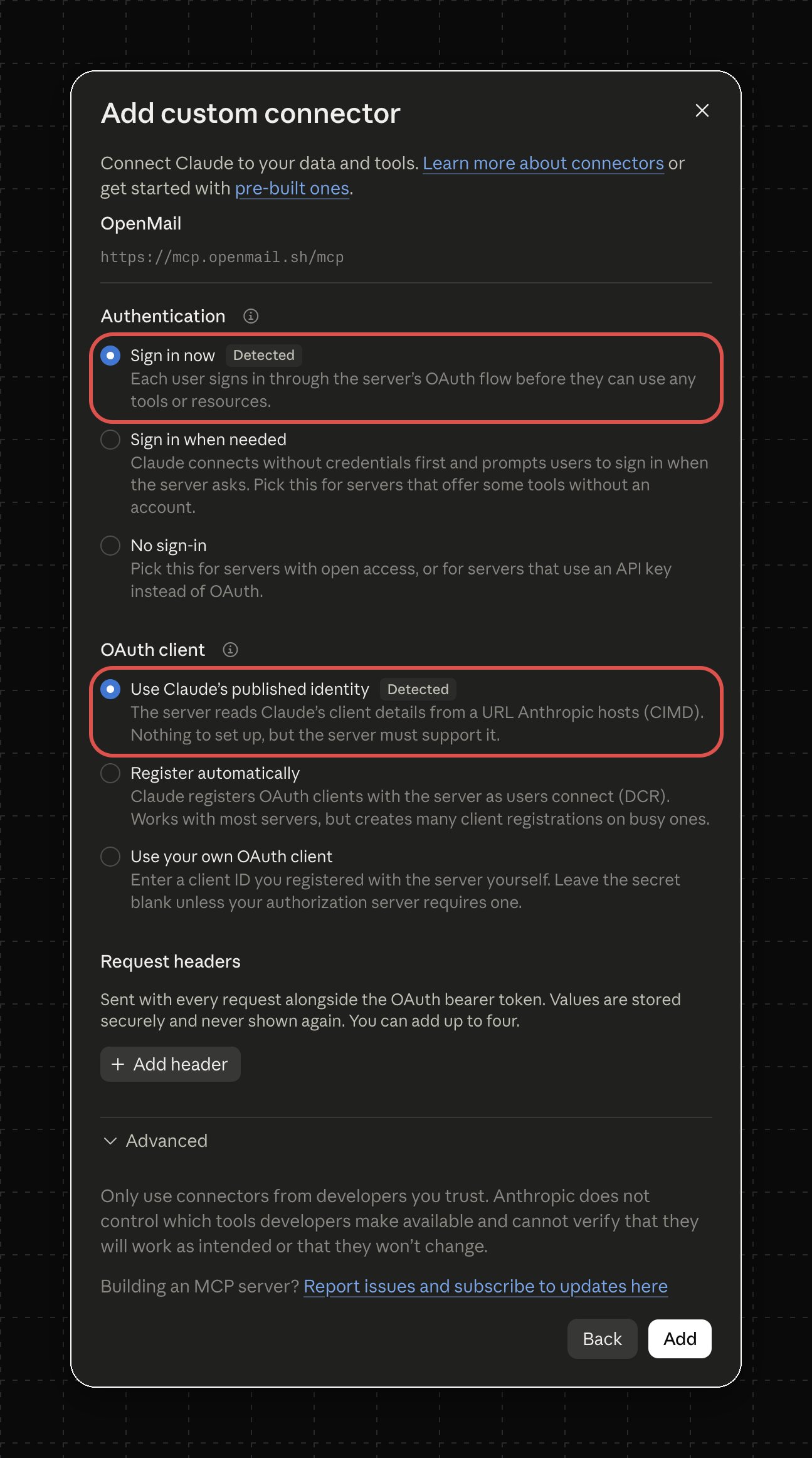
Keep the detected auth settings
Both are pre-selected and marked Detected. Leave Advanced alone and click Add.
4
Sign in and approve
The console opens and shows the client name and host. Pick an organisation if you belong to several. Read is always granted; untick Send, Setup, or Domains to withhold them. Revoke any time from MCP settings.
5
Confirm
Ask “Which OpenMail inbox can you see?”. Claude calls
auth_me and answers with the organisation and inbox.Custom connectors need a Claude Pro, Max, Team, or Enterprise plan.
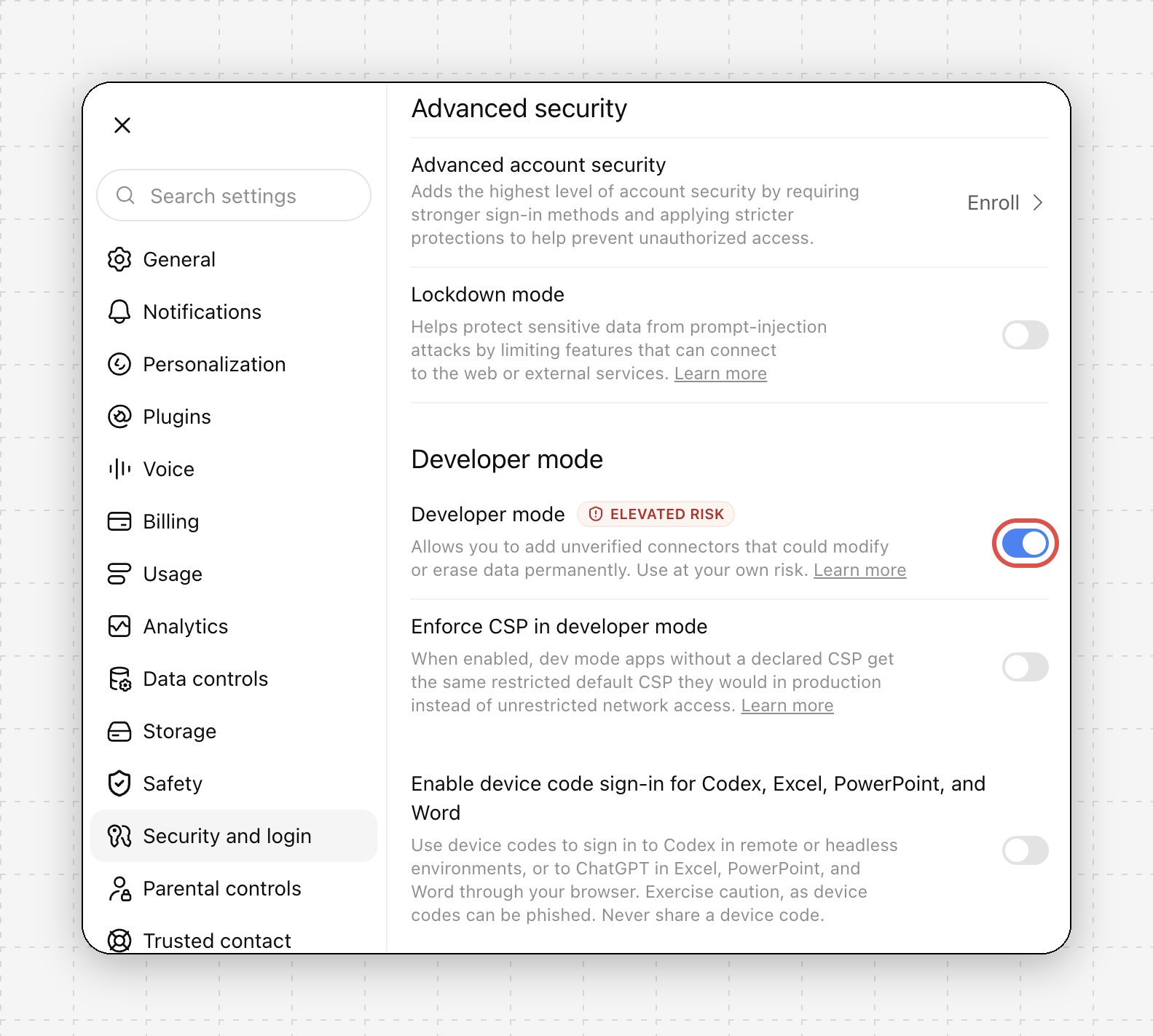
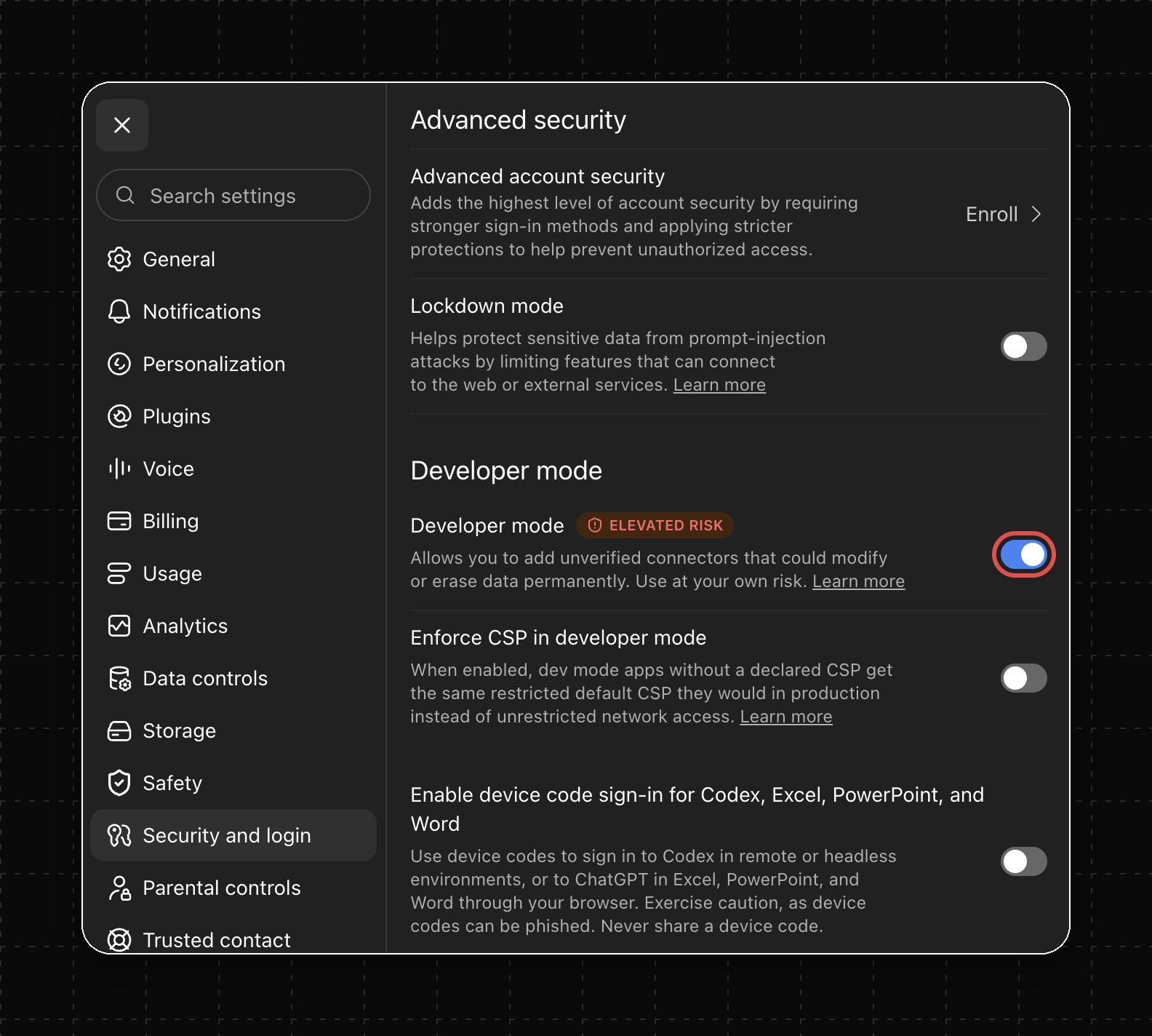


Without a credential,
/mcp answers 401 and your client starts sign-in. An agent that only needs these docs can use https://mcp.openmail.sh/mcp/public: no sign-in, just search_docs and get_docs.First run
Ask your agent: “Set up an inbox for this agent and show me the address.” It callssetup_agent_email, which shows a plan first. Confirm, and it creates the inbox. Over OAuth no key is minted; the session already has access, and the tool points to the console if another agent needs one. Over an API key, a new inbox-scoped key appears once in the result.
Tools
19 tools. Your client reads the live list from the server; this table can lag a release.
Tools follow the credential. An inbox-scoped key hides
list_inboxes, setup_agent_email, and the domain tools.
Narrow what the agent can do
What the connected client can do
A connected client sees whatever the tools return: thread contents, attachment text, inbox addresses. With Send it can also send and reply as your inbox. That data falls under the client’s own terms, so connect only clients you trust and untick scopes the agent does not need. Revoking the connection in MCP settings, or its API key, stops access at once.Usage analytics
The server records how tools are used so the OpenMail team can fix the ones that fail or confuse agents. Each tool accepts an optionalcontext argument: one line from the agent on what it is trying to do. That line is recorded too.
Tool results never leave the server, except from
search_docs and get_docs, which return public documentation.
Troubleshooting
The consent page asks for an account you do not have
The consent page asks for an account you do not have
Sign up at console.openmail.sh, then connect again from your client.
You picked the wrong organisation
You picked the wrong organisation
Revoke it in MCP settings and connect again. The consent page shows the picker each time.
401 with an API key
401 with an API key
Check the key starts with
om_, is complete, and is not revoked. It belongs in the Authorization: Bearer header, not the URL. A leftover om_YOUR_KEY placeholder in Cursor gives the same error.Tools are missing
Tools are missing
An inbox-scoped key hides
list_inboxes, setup_agent_email, and the domain tools on purpose. After changing scopes, disconnect and reconnect so the client reloads the list.Claude says it cannot reach OpenMail
Claude says it cannot reach OpenMail
Check Settings → Connectors shows OpenMail as connected. If not, repeat the Claude steps.
Example prompts
- Set up an inbox for this agent and show me the address.
- Reply to my unread mail.
- Read the invoice attached to the latest thread and summarise it.
- Add and verify
mail.example.com.
Related
- Claude Code: CLI and skill instead of MCP
- Agent keys: why inbox-scoped keys
- Source: openmailsh/mcp (MIT)